Key Takeaways
- Traditional automation runs fixed rules on structured inputs, which suits stable work such as payroll runs and invoice approvals.
- AI automation copes with variable inputs. Its output is probabilistic, so costly decisions need human review.
- Rule-based tools are easy to budget. AI adds usage-based charges and oversight time that you should plan for.
- A hybrid setup, with AI reading messy input and rules executing the action, is a sensible starting pattern for most teams.
- Gartner expects companies to cancel over 40% of agentic AI projects by the end of 2027, so begin with one process and a clear ROI test.
What Is Traditional Business Automation?
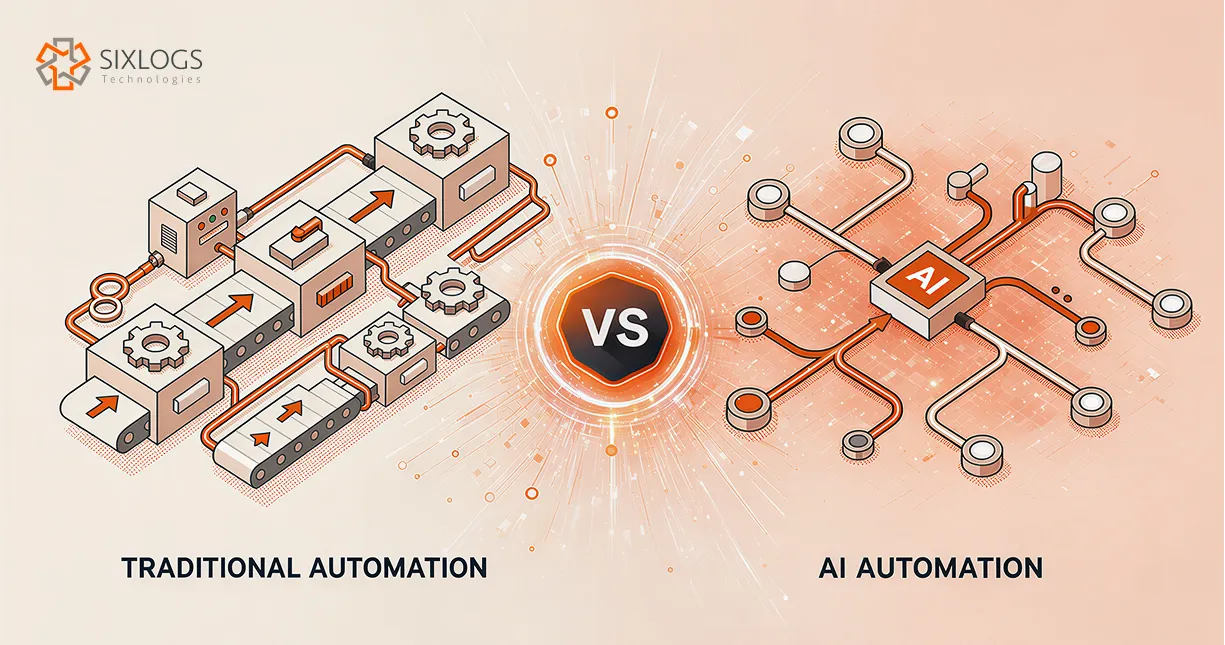
Traditional automation is software that completes a task by following predefined rules and triggers. These rule-based systems run a fixed action whenever its trigger fires. The same input always produces the same output. Payroll runs and scheduled reports are typical examples.
This approach struggles when inputs arrive in unexpected formats. It also needs manual updates whenever the underlying rules change.
If you are working on sales and operations integration, rule-based workflow automation often carries the load, since consistent handoffs matter more than judgment there.
What Is AI Automation in Workflow?
AI automation uses machine learning models or large language models to handle inputs that vary, such as emails and scanned documents. The model interprets each input and produces an output based on learned patterns.
That output is probabilistic. It is usually right and occasionally wrong in a way that looks plausible, so you need human-in-the-loop review wherever a mistake is costly. That gap is the core of the deterministic vs probabilistic divide in automation. Applying AI task automation to a single step, such as classifying an email, keeps that risk contained.
Is an AI Agent the Same As AI Automation?
An AI agent goes a step further. It is software that pursues a goal by choosing its own steps and calling other tools. That gives AI agents for business more autonomy and more risk than a single AI step inside a fixed workflow. More autonomy also means more access.
An agent that can read records and call other tools needs tightly scoped permissions and activity logs. A compromised connected account becomes your problem too. The cybersecurity priorities for a growing business, such as access controls and tested backups, apply directly to any automation you deploy.
Can AI Automation Forecast Risk & Demand?
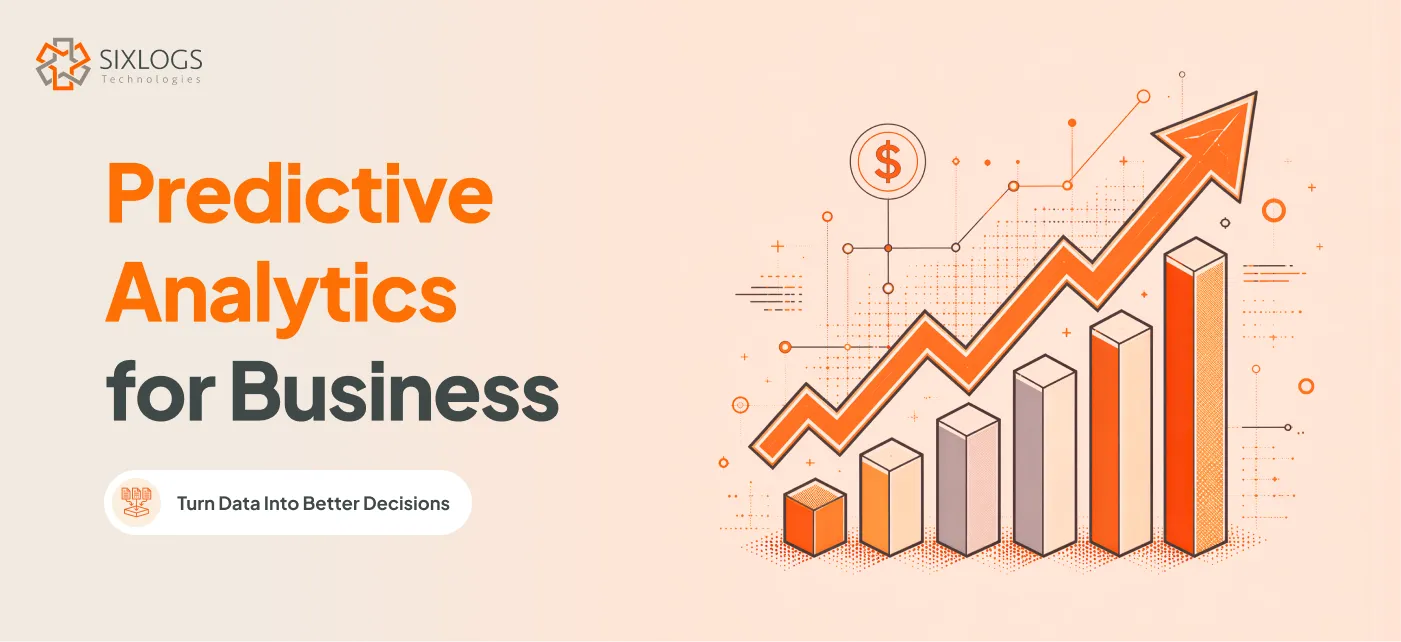
AI also supports forecasting. Seeing how predictive models turn business data into decisions helps you estimate demand and risk before they show up in your numbers.
Deciding which of your steps need a model and which need only rules is the first task in an AI Automation Service project.
When to Use AI Instead of Traditional Automation
The type of input usually settles the question, and structured and unstructured data sit on opposite sides of that line. These AI automation use cases show where the line falls in your own workflows:
AI Automation in Finance
Approval limits and payment schedules fit fixed rules. Invoices that arrive in many layouts call for AI to extract the fields.
Customer Support AI Automation
AI can classify incoming messages by intent and urgency. Rules then route each ticket and trigger the standard reply.
AI Automation for Document Processing
Scanned or free-form documents need a model to pull out key details, which is the job of intelligent document processing. Rules validate those details against existing records.
Forecasting & Planning Using AI Automation
AI estimates demand with predictive models trained on historical data. A planner decides how to act on that estimate.
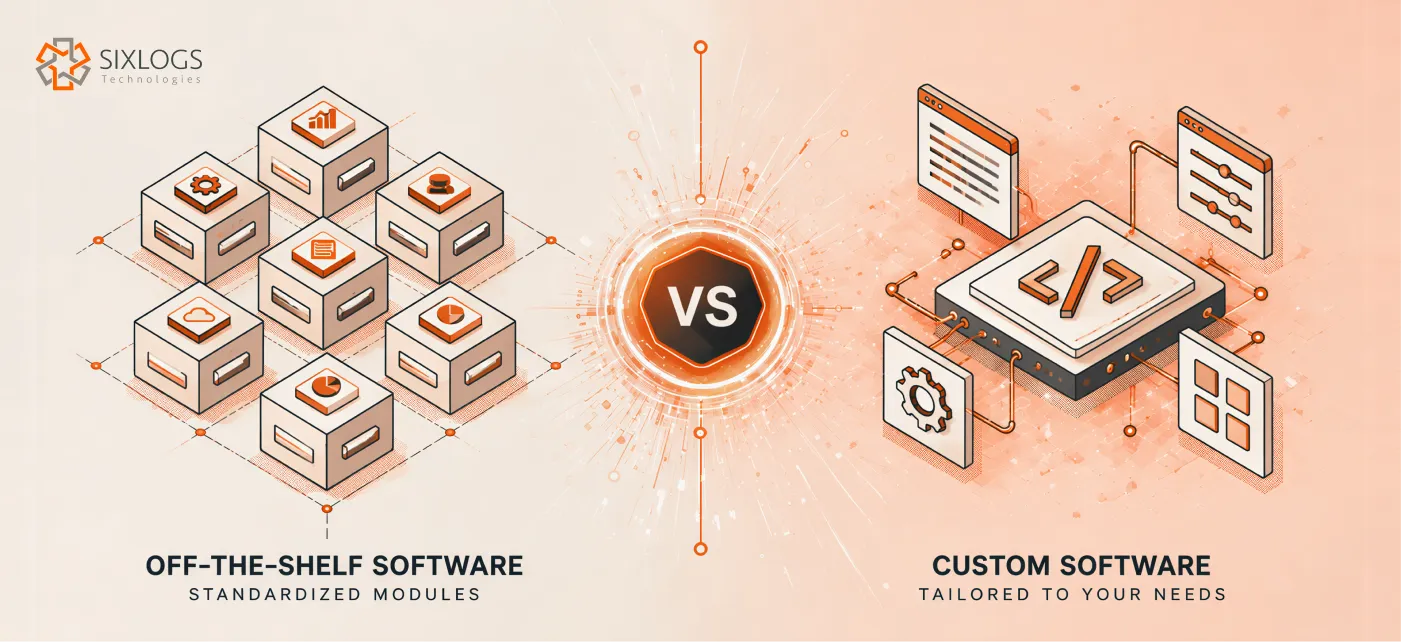
Once you know which steps need AI, a second decision follows: use a packaged product or build your own. Packaged tools cover standard workflows quickly, and a workflow that no product handles without workarounds can justify a build. How custom and off-the-shelf software compare on cost and upkeep depends on ownership costs and the maintenance your team can absorb.
AI Automation vs Rule-Based Automation at a Glance
The table below summarizes how the two approaches differ on the factors that most affect your buying decision.
| Factor | Rule-based automation | AI automation |
|---|---|---|
| Best-fit input | Structured and consistent | Variable or unstructured |
| Decision logic | Explicit rules and triggers | Patterns learned from data |
| Output | Same result every time | Probabilistic and may vary |
| Typical failure | Stops or errors when input breaks a rule | Can return a plausible but wrong result |
| Cost pattern | Subscription or per-task fees | Usage-based model charges plus review time |
| Auditability | Each step traces to a rule | Individual outputs are harder to explain |
| Maintenance | Rules updated by hand | Models monitored for drift as data changes |
RPA vs AI: Where RPA Fits
Robotic process automation (RPA) is software that mimics what a person does on screen, such as typing and moving data between applications. It follows a fixed script, which places it in the rule-based camp. RPA joins an AI setup only when a model interprets its inputs first.
When Does a Hybrid Approach Make Sense?
A hybrid approach puts AI at the step where input is messy and hands the result to fixed rules for execution. This pairing is sometimes labeled intelligent process automation.
Take a purchase request. A model reads the message and extracts the details. Fixed rules then check budget limits and route it for approval, while a person reviews anything the model flags as low confidence. Over time, the review queue shows where the model still struggles and where the rules need tightening.
Keep irreversible actions such as payments or account changes behind rules or a human sign-off. Gartner offers a similar split: AI agents when decisions are needed, and plain automation for routine workflows.
AI Automation vs Traditional Automation Cost
Rule-based business automation software typically uses subscription or per-task pricing, so costs are easy to forecast. AI adds usage-based model charges that move with volume and model choice, plus staff time for review and monitoring.
Price alone can mislead. When many of your cases fall outside the rules, the staff hours spent on exceptions can outweigh the extra AI spend, so compare total cost of ownership, including exception handling.
Project scope carries its own cost risk. A June 2025 Gartner release predicts that companies will cancel over 40% of agentic AI projects by the end of 2027. It cites escalating costs and unclear business value among its reasons.
The same release estimates that only about 130 of the thousands of vendors marketing agentic AI are real. It also describes agent washing, where vendors relabel existing products such as RPA tools and chatbots. Ask any vendor, including us, to show which steps actually use a model.
Budget for monitoring from the first day. A model that performs well at launch can suffer model drift as your data changes, and someone has to catch that before errors spread into downstream systems.
How to Choose Between RPA and AI Automation
Run one business process automation candidate through four questions before picking a tool. Each answer points to a starting option.
- Is the input structured and stable? Start with rules or RPA.
- Does the task need interpretation, such as reading free text or judging intent? Add AI at that step only.
- Would a wrong output be expensive or hard to reverse? Keep a rule or a person in the final step.
- Must every result be explainable to an auditor or customer? Favor rules, or log every AI decision.
Regulated work often requires decisions that can be reproduced and audited, which favors rules or a fully logged AI step. Measure the pilot against the current manual baseline before scaling it. Track error rate and the share of cases that still need a person.
AI Automation vs Traditional Automation in 2026: Next Steps
The right automation approach in 2026 depends on the process in front of you. Start with one workflow and apply the four questions above, because AI automation vs. traditional automation is decided one process at a time.
Add AI only where the input demands it, and keep rules wherever they already do the job. That keeps you from paying for intelligence you do not use.
To map your own processes against these questions, request an AI and business automation assessment from our team.
Frequently Asked Questions
Q1: What AI agents offer customer support automation?
AI agents for customer support can read a message, judge intent and urgency, draft a reply, and look up order details. Most teams keep a person approving refunds and account changes.
Q2: What are the best AI workflow automation tools?
The best tool depends on your inputs and review needs. Rule-based platforms cover structured handoffs. Tools that call a language model suit steps with messy input. Shortlist a few, run the same pilot process through each, and compare error rate and review time against your manual baseline.
Q3: Can AI automation integrate with existing business software?
Usually yes. Most AI automation connects to CRMs and finance systems through APIs or prebuilt integrations. Confirm that each application you rely on exposes the data your workflow needs, and test one connection end to end before you scale.